Remote Bloodhound
Nmap LDAP Enumeration
Acquire DC DNS Name
sudo nmap -Pn -T4 -p 389,636 --script ldap-rootdse <domain-controller-ip> | grep dnsHostName | sort -uLook for the dnsHostName attribute
sudo proxychains -q nmap -Pn -T4 -sT -p 389,636 --script ldap-rootdse <domain-controller-ip> | grep dnsHostName | sort -uPost-compromise scan through a proxy, look for the dnsHostName attribute

dc_ipaddress='10.80.80.2'dc_fqdn='DC1.ad.lab'dc_shortname=$(echo "$FQDN" | cut -d '.' -f 2,3)echo -e "${dc_ipaddress}\t\t${dc_fqdn} ${dc_shortname}" | sudo tee -a /etc/hostsAdd the FQDN and short name of the domain controller to your /etc/hosts file
Collect BloodHound Data
NetExec
nxc ldap DC1.ad.lab -d 'ad.lab' -u 'john.doe' -p 'P@$$word123!' --bloodhound -c All --dns-server 10.80.80.2Run all collection methods with direct route to target
proxychains -q nxc ldap DC1.ad.lab -d 'ad.lab' -u 'john.doe' -p 'P@$$word123!' --bloodhound -c All --dns-server 10.80.80.2 --dns-tcpRun all collection methods via post-compromise proxy
BloodHound-Python
Installation
sudo apt install -y bloodhound-ce-pythonRun BloodHound-Python
bloodhound-ce-python -hShow help message
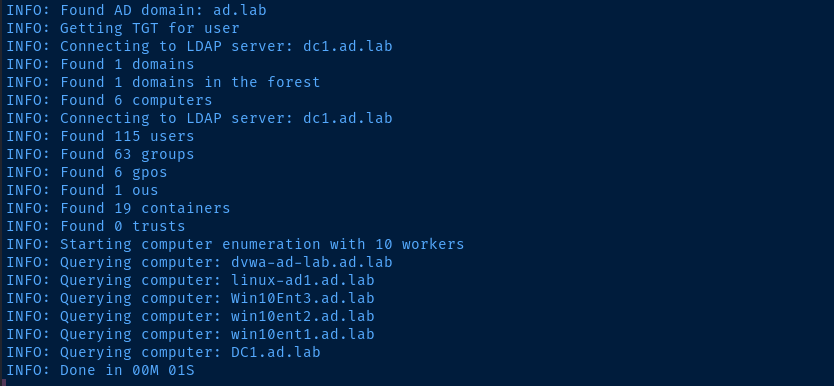
bloodhound-ce-python -c All -d 'ad.lab' -u 'john.doe' -p 'P@$$word123!' -ns 10.80.80.2If LDAPS run with --use-ldaps
proxychains -q bloodhound-ce-python -c All -d 'ad.lab' -u 'john.doe' -p 'P@$$word123!' -ns 10.80.80.2 --dns-tcpCollect all information on the domain via post-compromise proxy. If LDAPS run with --use-ldaps
Process Collected Information
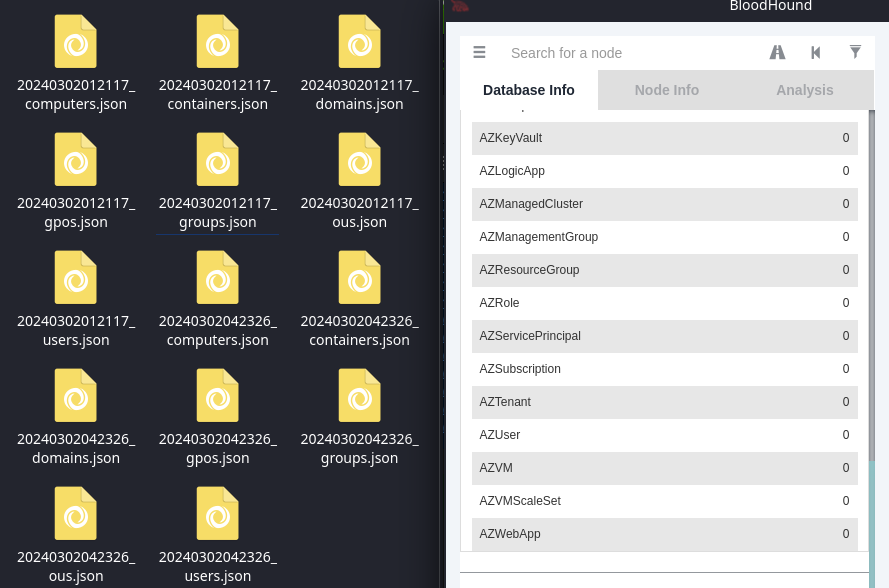
nxcoutputs the collected data in a single.ziparchive in$HOME/.nxc/logs/bloodhound-pythonwill output a series of.jsonfiles
You can drop the single .zip archive or the bundle of .json files directly into the BloodHound interface for processing.